
Drawing styles · from a photo or a sentence
32 drawing styles for laser engraving and cutting
Every picture below is a real result: the same photo of a beagle redrawn in each style (the kid's drawing and the recipe from their own pictures). 18 styles are traced into cut and engrave layers, 14 stay a picture to engrave.
Try one on your photoTo cut and engrave: traced into layers
These come back flat and high in contrast, then are traced into cut and engrave layers at the width you set: SVG in millimetres, LightBurn, DXF and PDF, checked for parts that would fall out.
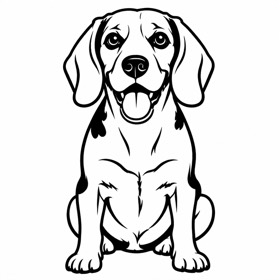 Pet portrait linesYour pet in clean bold lines
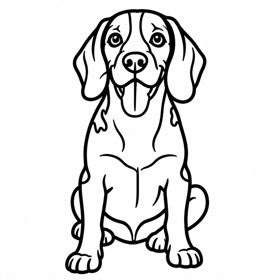 Bold line artThick outlines, no fill. Score or engrave
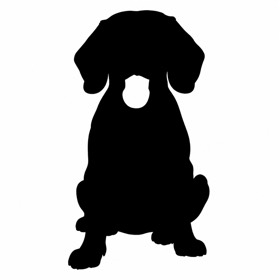 SilhouetteOne solid shape. Cut-outs, keychains
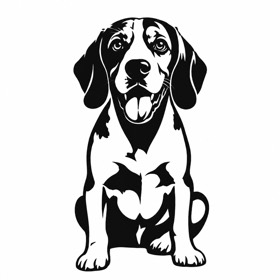 StencilBlack and white with bridges, nothing drops out
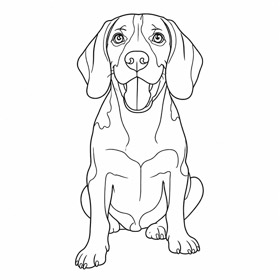 Fine lineThin elegant outline, minimal
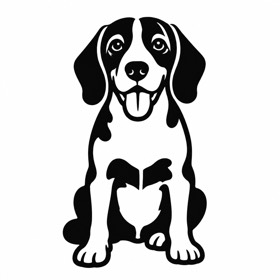 Chunky keychainThick, simplified, survives small sizes
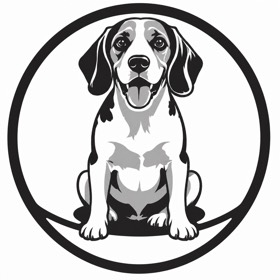 EmblemA round badge or crest
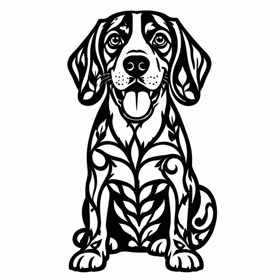 Paper cutLace-like filigree, one sheet
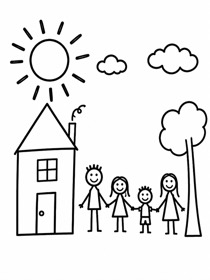 Kid's drawingA child's drawing as clean lines
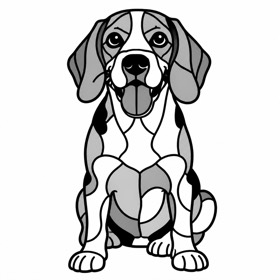 Stained glassLeading lines around flat cells
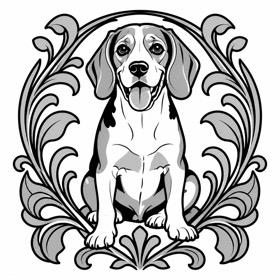 Art NouveauFlowing lines, ornamental frame
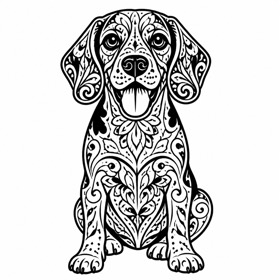 MandalaFilled with ornament
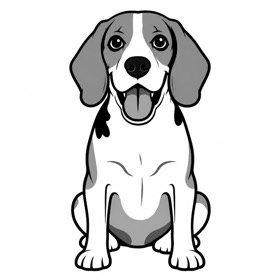 CartoonBold outlines, flat greys
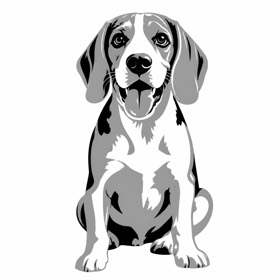 Flat colourA few flat tones for layered engrave + cut
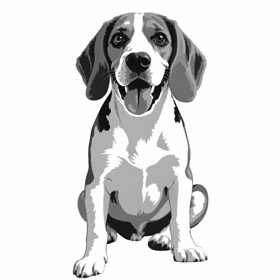 PosterFour tones, more detail
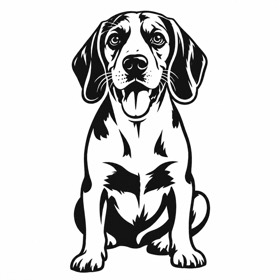 LinocutCarved, bold, hand-made
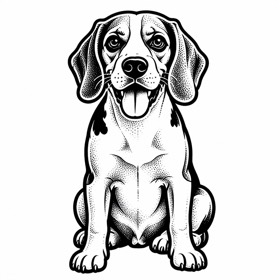 Tattoo flashTraditional ink, solid blacks
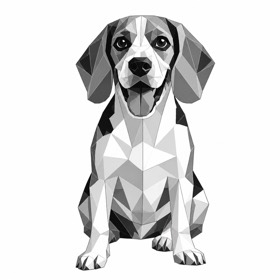 GeometricLow-poly facets
To engrave: a picture to burn
These stay a picture with its greys, like a photo. They download as a LightBurn project, SVG and PDF with the picture placed at the width you set, and a grey PNG, for your laser software to dither once.
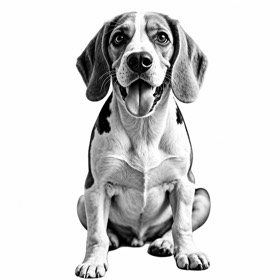 Photo, ready to engraveYour photo cleaned up: subject only, crisp tones
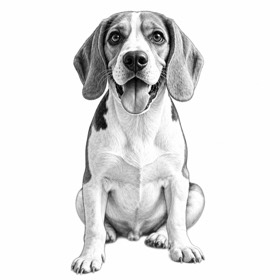 Pencil sketchSoft graphite shading
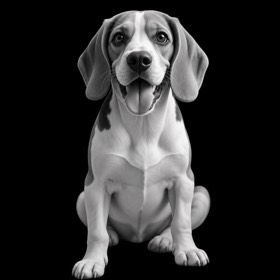 Depth map (3D)Height map for 3D and fiber engraving
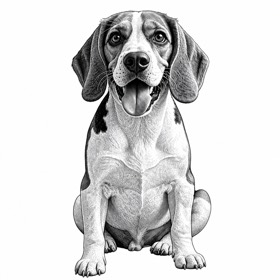 EngravingBanknote-style line engraving
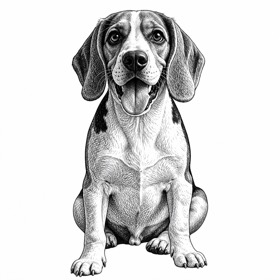 Pen & inkCross-hatching like an old master
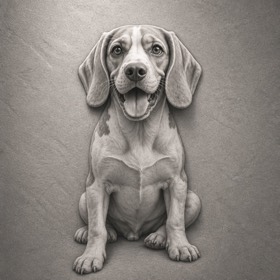 Stone reliefCarved 3D look for deep engraving
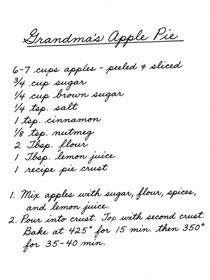 HandwritingA recipe or note, cleaned for engraving
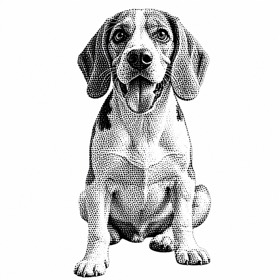 HalftoneNewspaper dots
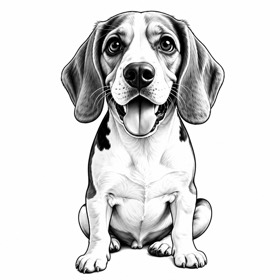 CaricatureBig-head fun portrait, still them
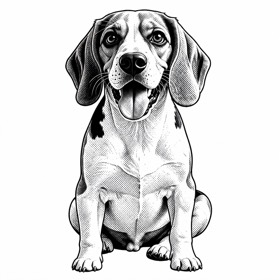 Comic inkInked lines and halftone dots
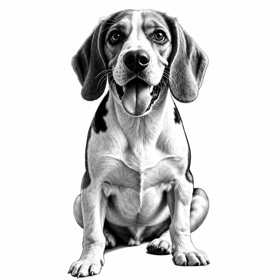 CharcoalDramatic, deep blacks
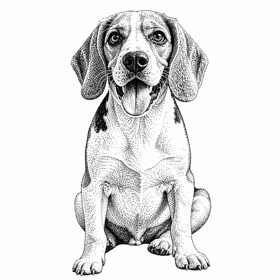 StippleTone from dots, burns beautifully
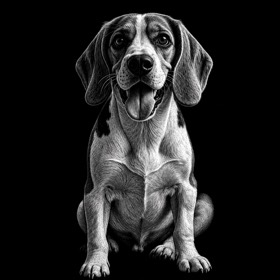 ScratchboardWhite lines out of black
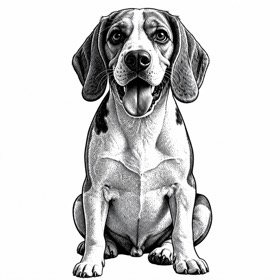 Vintage woodcutOld-book illustration
Which style should I pick?
What is the difference between a cut style and an engrave style?
A cut style comes back flat and high in contrast, and is traced into cut and engrave layers at true size, checked for parts that would fall out: it can be cut out of a sheet. An engrave style stays a picture with its greys, like a photo, for your laser software to dither and burn. 18 styles are cut styles and 14 are engrave styles.
Which style is best for a pet portrait?
Pet portrait lines for a portrait in clean lines that can also be cut out; Pencil sketch or Photo, ready to engrave for a shaded portrait to engrave; Silhouette or Chunky keychain for a small cut-out piece.
Which style suits dark materials like slate?
Scratchboard is drawn as white lines out of black, for materials where the laser burns light: invert it in your laser software so the laser marks the lines. Any other engrave style can be inverted the same way.
What does a drawing cost?
1 export a drawing, with the downloads free after it. Without an account you can make 3 drawings to see the result.