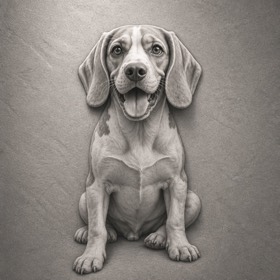
Free to tryA picture to engraveFrom your photo or a sentence
Get a photo ready for laser engraving
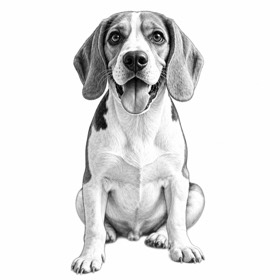
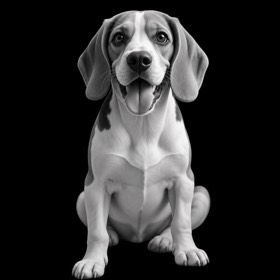
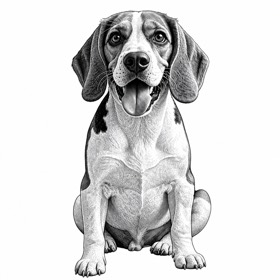
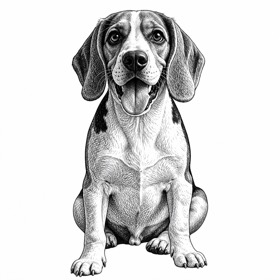
Add your photo. It comes back with the background gone and the face crisp, a picture to engrave at the size you set.
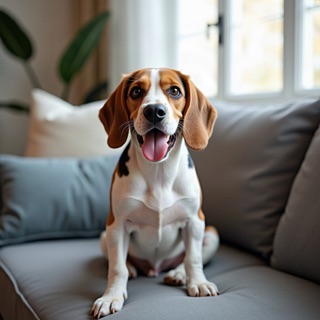 The photo
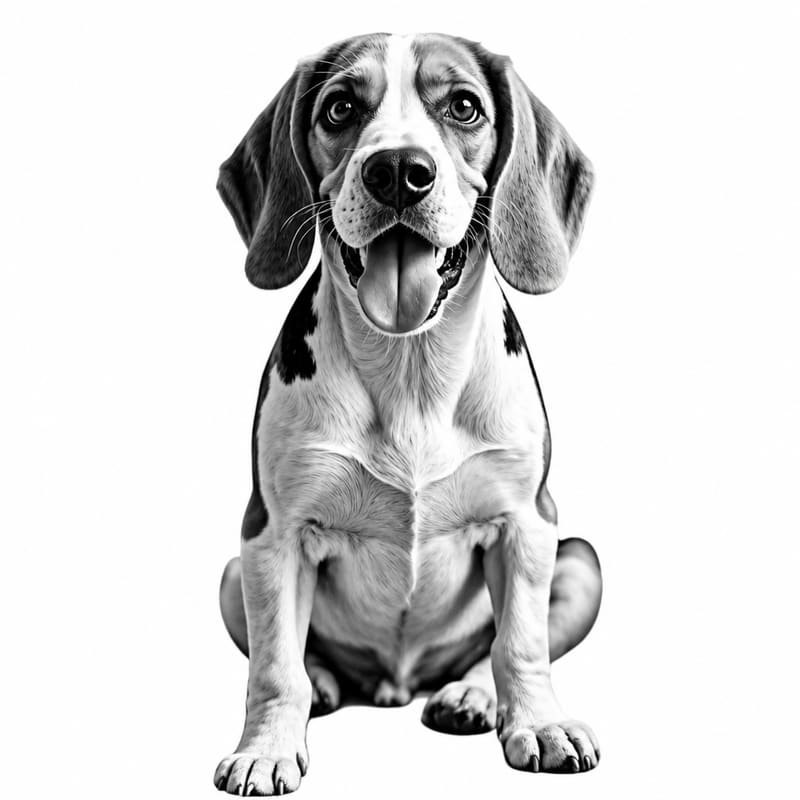 Photo, ready to engrave
How it works
Add a photo
A sharp photo with the face in good light works best; everything around the subject is left out.
Keep Photo, ready to engrave picked
This page opens with it picked. Words next to a photo are a note on top.
Redraw
A drawing takes about 20 seconds and costs 1 export; Pro draws finer faces for 2 exports.
Set the width and download
Type the width in millimetres and take the LightBurn project, SVG, PDF or PNG with the picture already at that size.
Questions makers ask
What can I make with an engrave-ready photo?
Your own photo made ready to burn: the background gone, contrast and detail in faces and hair pushed so they survive the wood, nothing added.
How do I engrave an engrave-ready photo?
Engrave it as an image with dithering (Stucki is a good start) and burn a small patch of the face on the same wood first.
What files do I get?
The picture, at the width you set: a LightBurn project with it on an image layer, an SVG and a PDF with it placed in millimetres, and a grey PNG. It is left for your laser software to dither, so it is never dithered twice. The downloads are free once the drawing is made.
Can I use my own photo?
Yes, that is what the style is for. The photo goes to fal.ai, which runs the image model, and is kept with the drawing in your account until you delete the account (a guest's after 48 hours). You need the right to use the photo and, for a photo of a person, their permission.
What does it cost?
One drawing costs 1 export, or 2 exports with Pro. Without an account you can make 3 drawings to see the result; a free account adds 7 more and lets you download. A drawing that fails is refunded automatically. The files are yours to use, including on products you sell.